Thanks for your interest in our upcoming conferences for college students! Take the next step by uploading your resume to the Forté Job Center and event resume book(s). You'll get seen by our corporate members and gain early access to internship and job opportunities.
Get Started
Watch the video or follow the instructions.
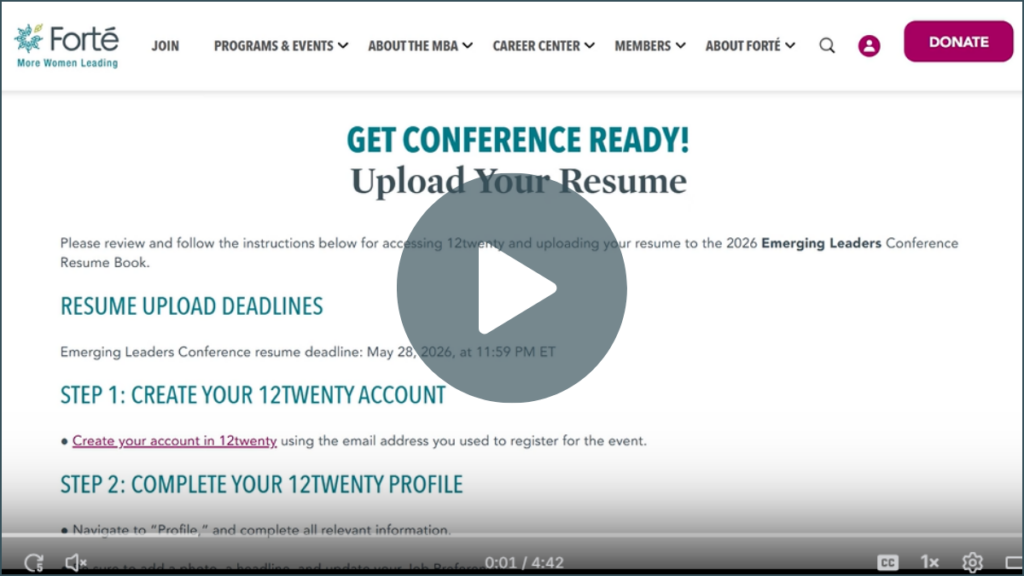
RESUME UPLOAD DEADLINES
- Emerging Leaders Conference resume deadline: May 28, 2026, at 11:59 PM ET
STEP 1: CREATE YOUR 12TWENTY ACCOUNT
● Create your account in 12twenty using the email address you used to register for the event.
STEP 2: COMPLETE YOUR 12TWENTY PROFILE
● Navigate to “Profile,” and complete all relevant information.
● Be sure to add a photo, a headline, and update your Job Preferences.
STEP 3: NAVIGATE TO “APPLICATION MATERIALS” (OR “PROFILE” → “APPLICATION MATERIALS”)
● Upload your most up-to-date resume as a PDF. View troubleshooting tips for additional assistance.
● Make sure your resume lists your school name AND anticipated undergraduate graduation year.
STEP 4: NAVIGATE TO “RESUME BOOKS” AND SELECT THE RESUME BOOK TITLED, “ALL UNDERGRADUATE RESUME BOOK”
● Select the book and submit your resume for inclusion.
● You can also access the Resume Book directly.
● Please allow at least 48 business hours for your resume to be marked as “Approved”.
Corporate members are able to access the resume book at any time. You are encouraged to regularly update your profile and re-upload your resume to the system after making changes to your document. You’ll be able to access your information at any time after creating your profile.
If you have any questions regarding 12twenty or uploading your resume, please view the troubleshooting tips. Email India Brunson for further assistance.
GET CAREER READY
The business world needs talented students like you. Forté’s Career Ready Certificate sets you apart from the crowd, connects you to a community of leaders, and introduces you to exciting careers at leading companies.